Submit Your First EDD Bulk Upload
Last updated: March 18, 2025
EDD Single Case Upload Instructions:
Log-In to Greenlite:
If you are an EU customer, go to app.greenlite.ai
If you are a US customer, go to us.greenlite.ai
Login using your email address.
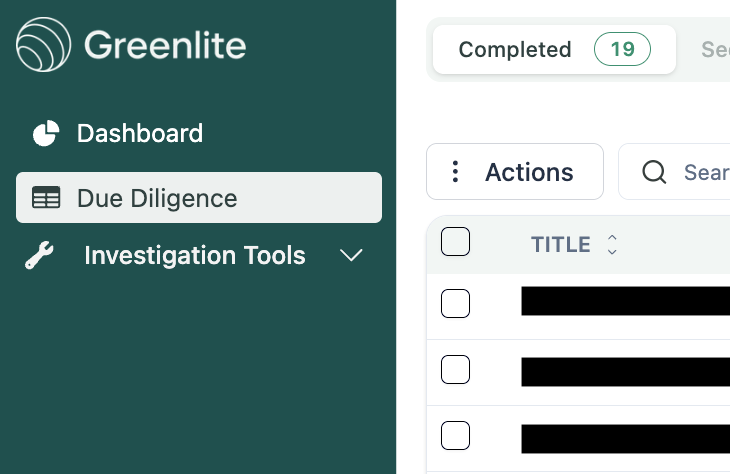
Click on the Due Diligence tab
Click on "New Case" button and navigate to the “Bulk Upload” tab


Submit Necessary Documents:
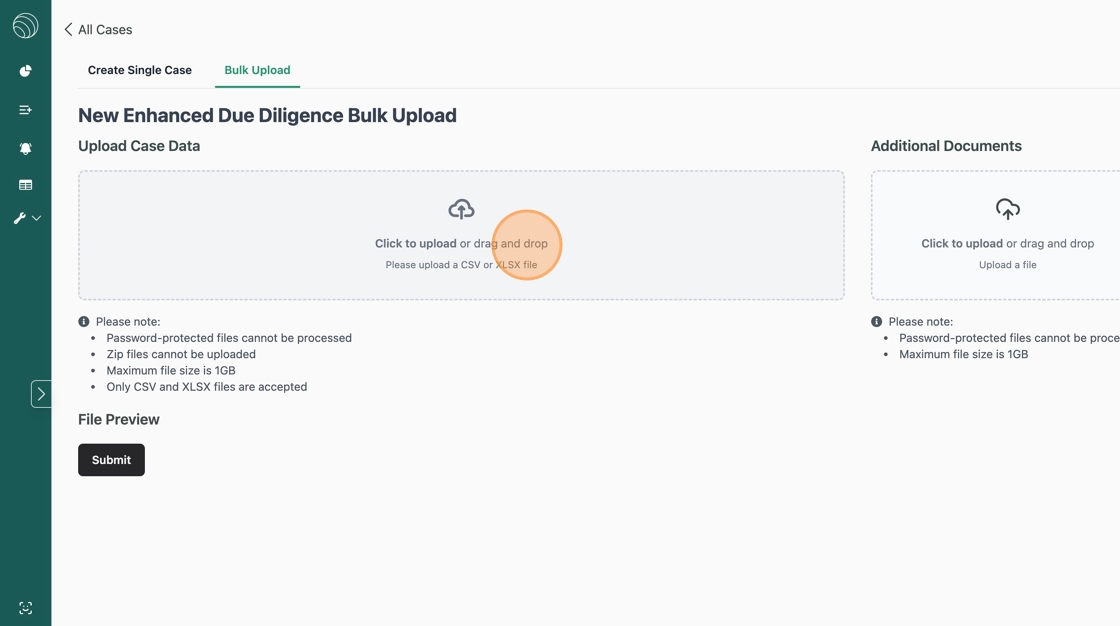
Upload your CSV file to the “Upload Case Data” section using your custom EDD bulk upload template or the standard template here
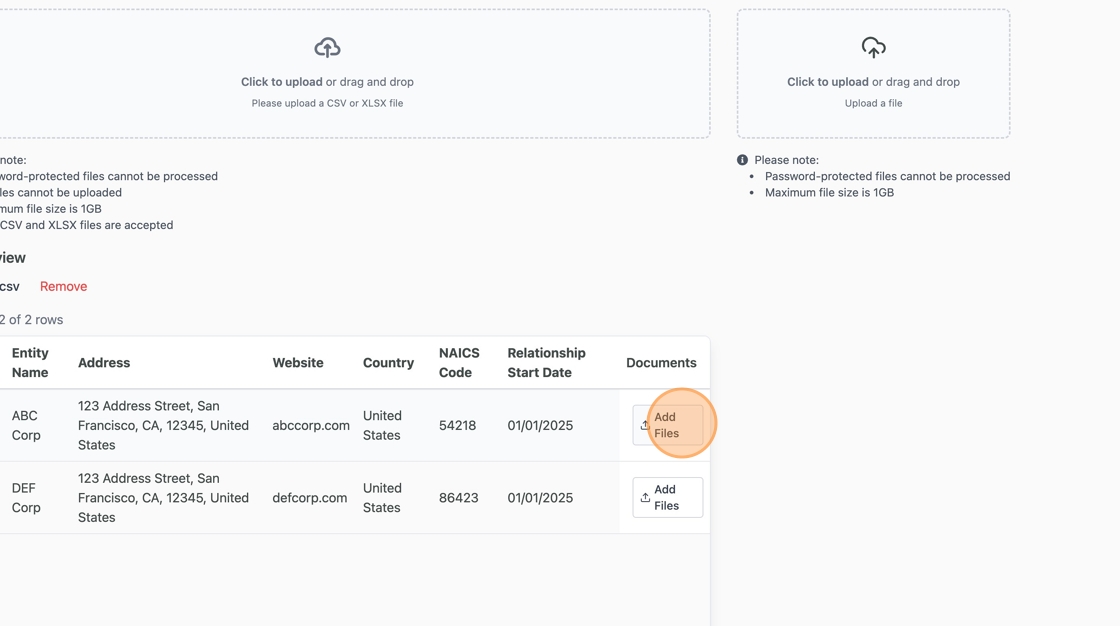
b. Upload additional documents for each row inline
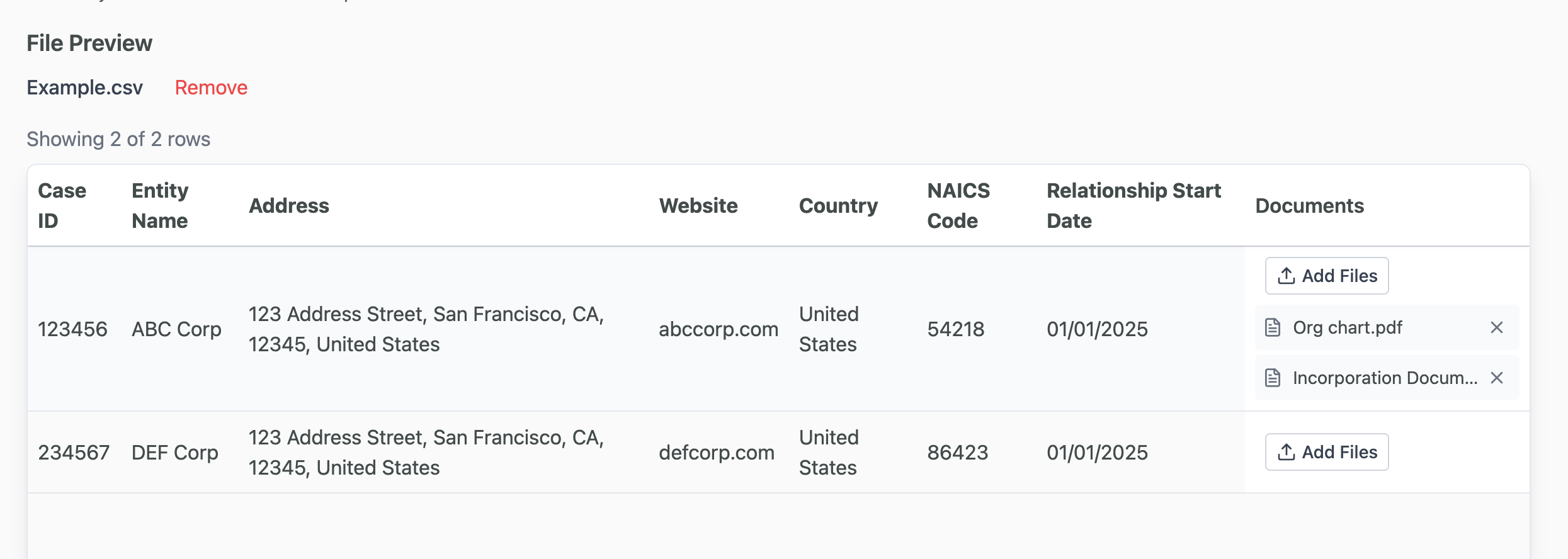
c. Submit your cases and we'll get them processed!
