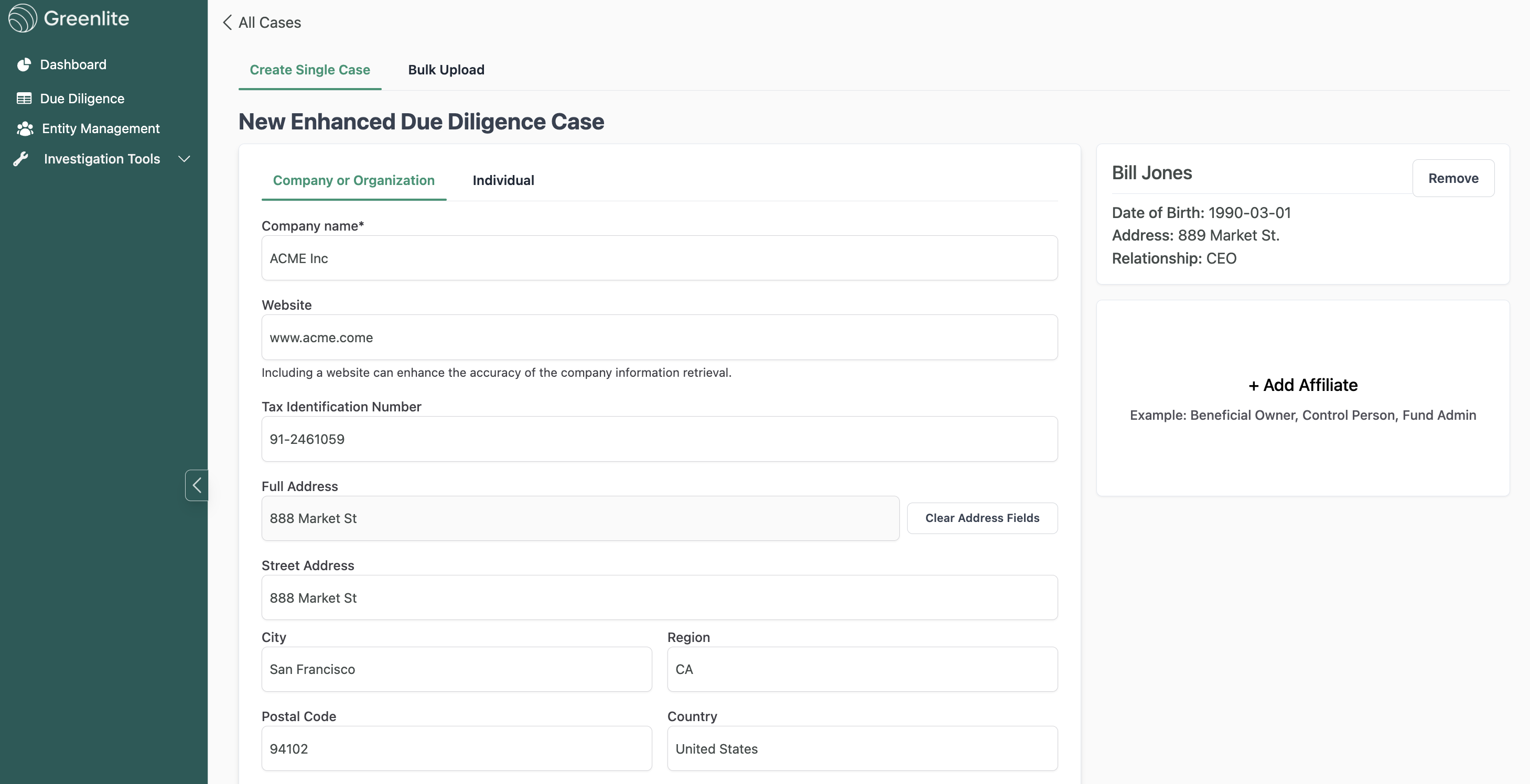
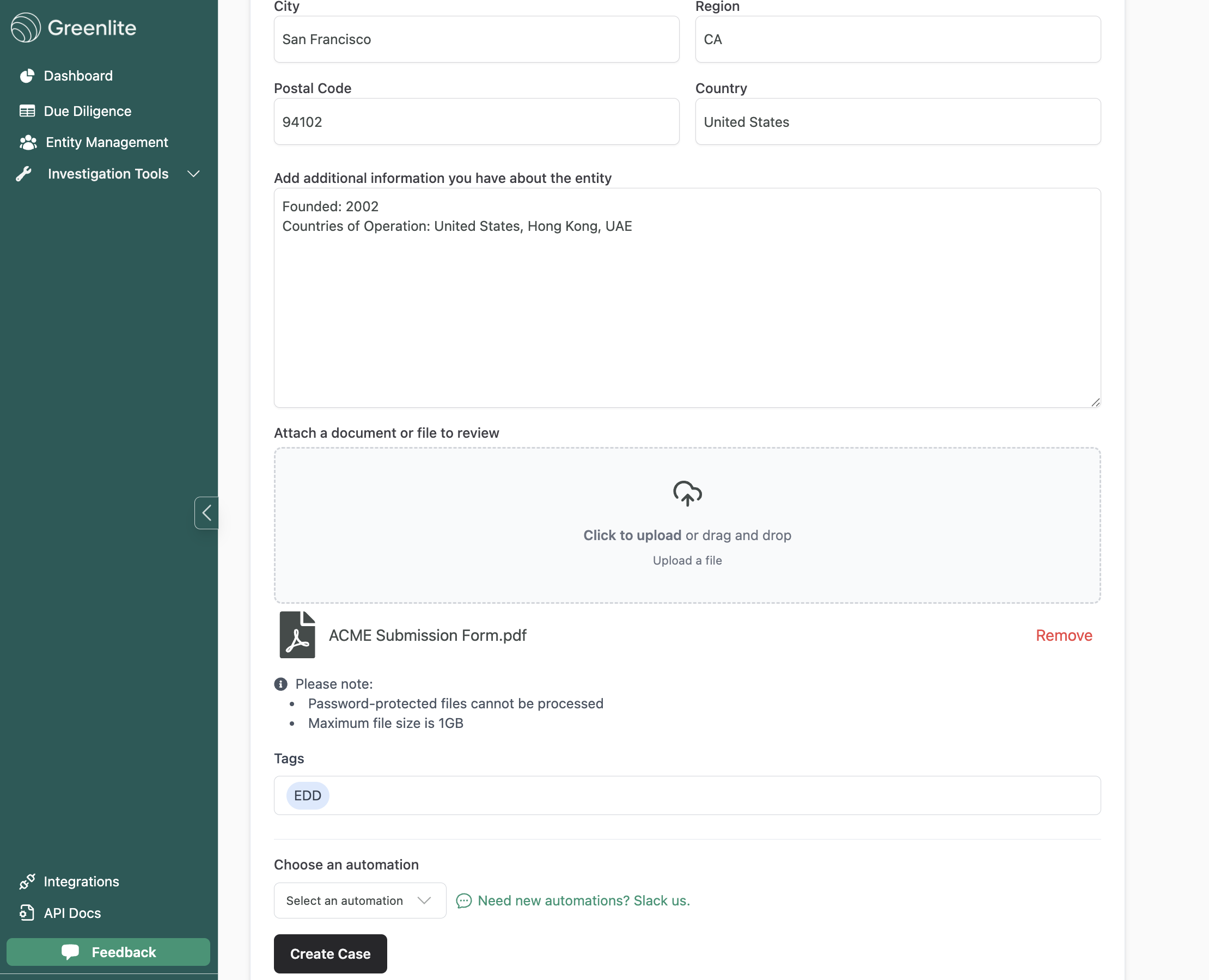
Create a Company EDD Case
Last updated: March 15, 2025
Creating a Live Company EDD Case
Log-In to Greenlite:
If you are an EU customer, go to app.greenlite.ai
If you are a US customer, go to us.greenlite.ai
Login using your email address.
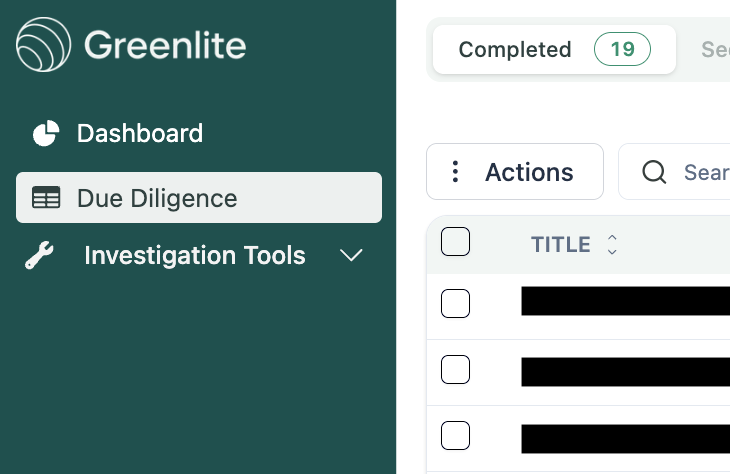
Click on the Due Diligence tab
Click on "New Case" button and fill in required and relevant fields
Fill in as many fields as possible and upload relevant documents. The more information provided, the higher quality the assessment will be.